

 RUNGPARSE
Root-cause PLC faults in seconds, not hours.
One Windows install for Rockwell and Siemens. Open a project export, pick the output that won't come on, and get the cause with the proof behind it.
Trace and logic flow
From a dead output to the root cause
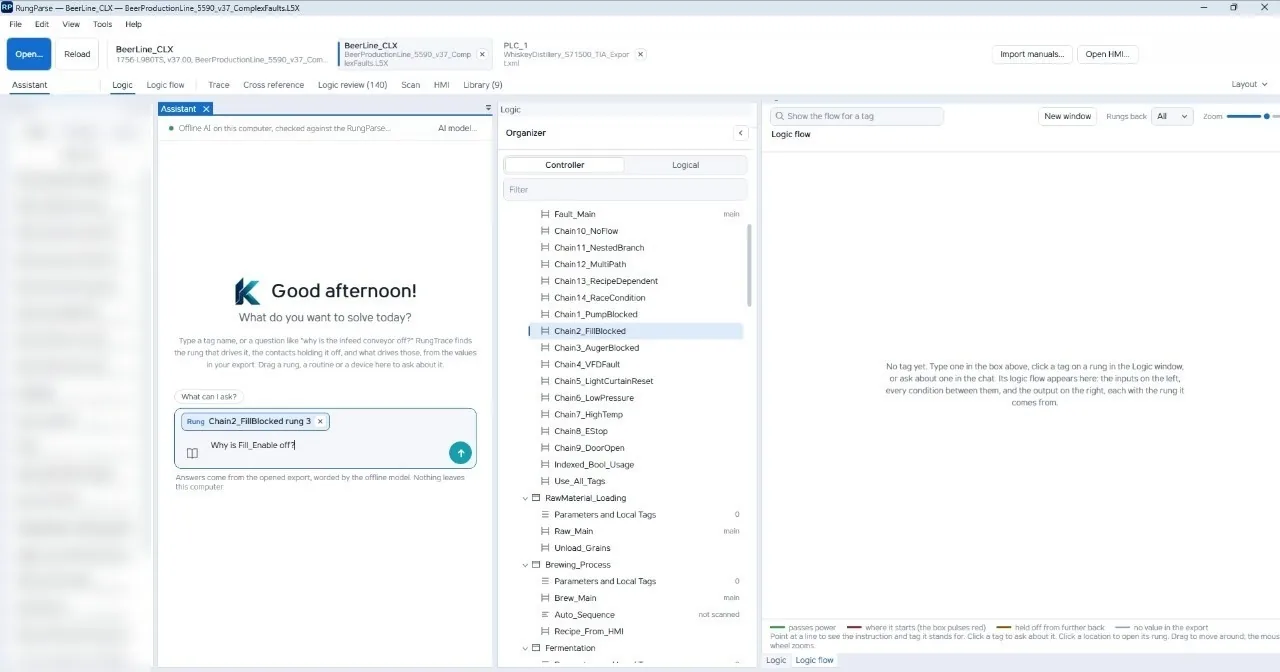
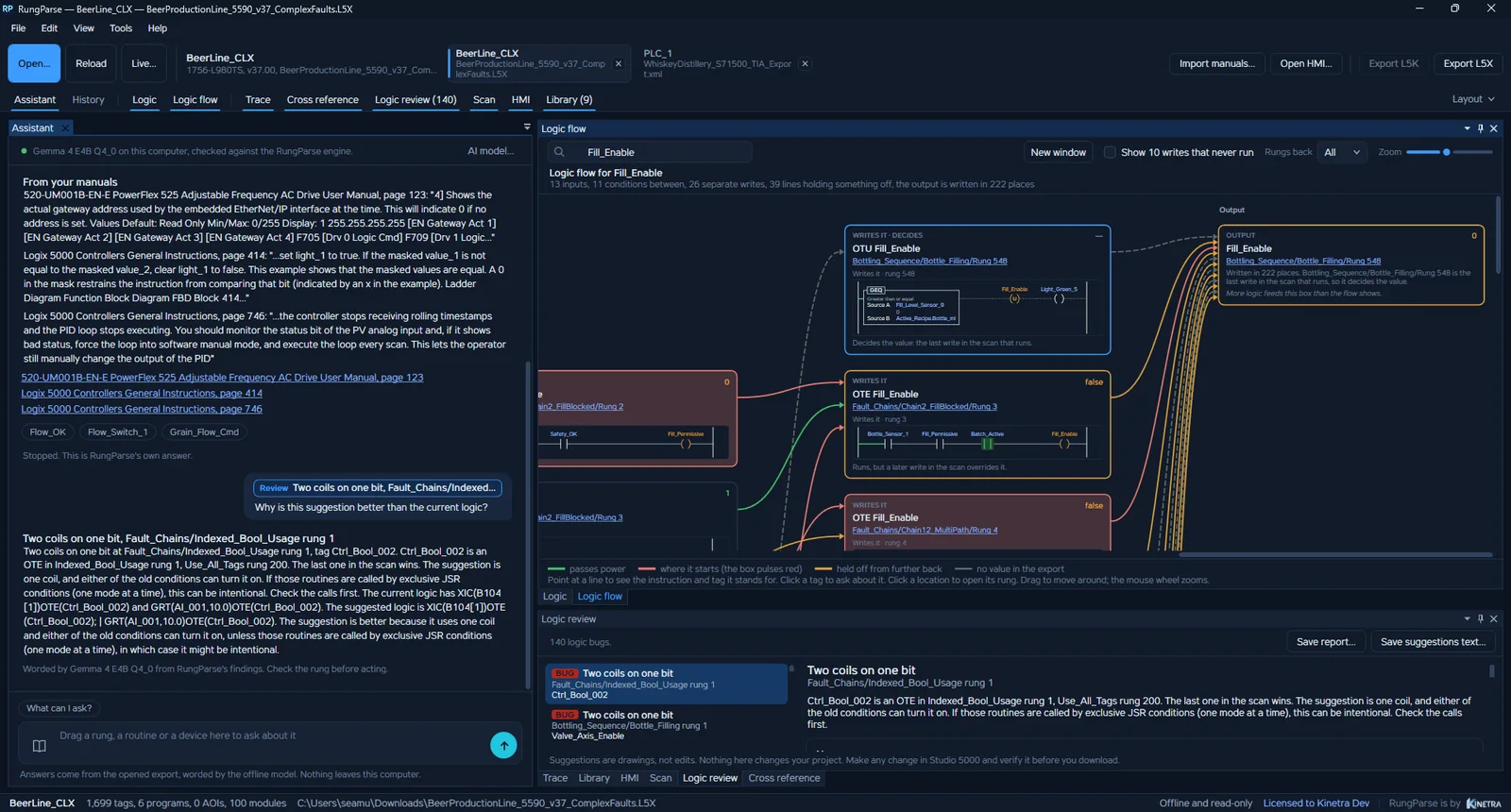
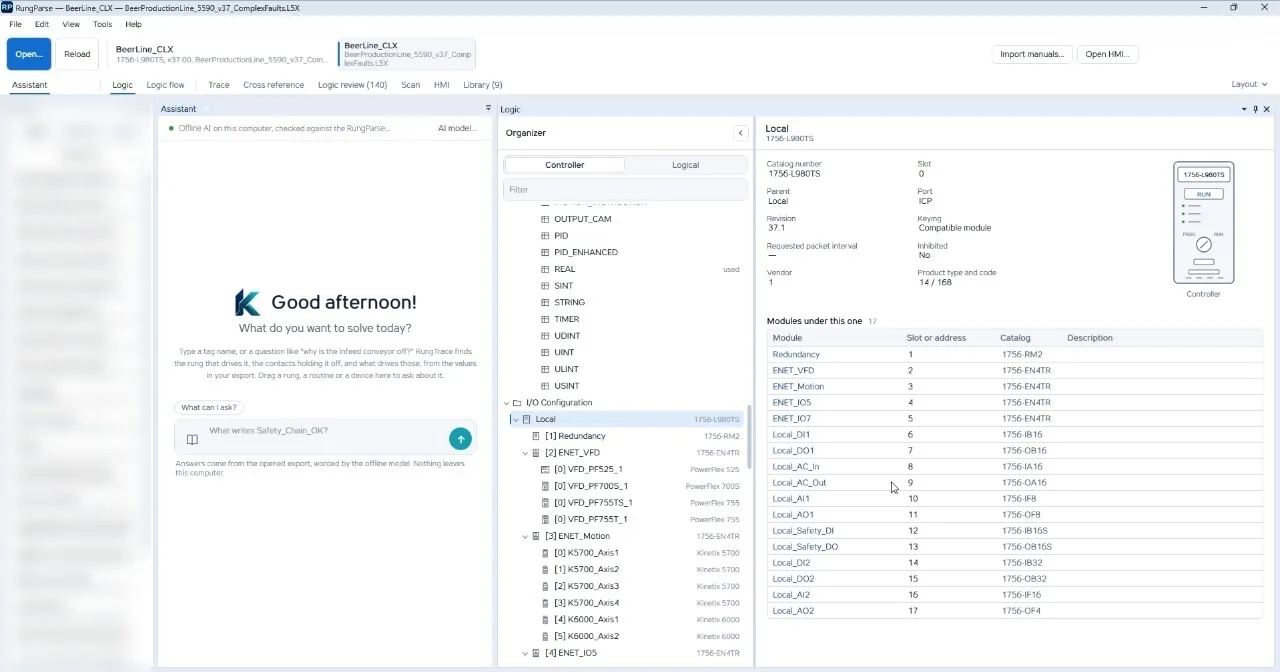
Pick the output that won't come on. RungParse follows every writer through programs, AOIs, aliases, I/O modules and routines, then draws the chain from inputs to output with each rung it comes from.
Live values and trends
Follow what the machine is doing now
Turn on Live to read tag values from Logix over EtherNet/IP or from S7-1200 and S7-1500. Record any tag, and every tag that writes to it, for a shift or for weeks. The assistant reads the recordings when you ask.
Bottle_Sensor_1 0
Batch_Active 1
Sample 100 ms
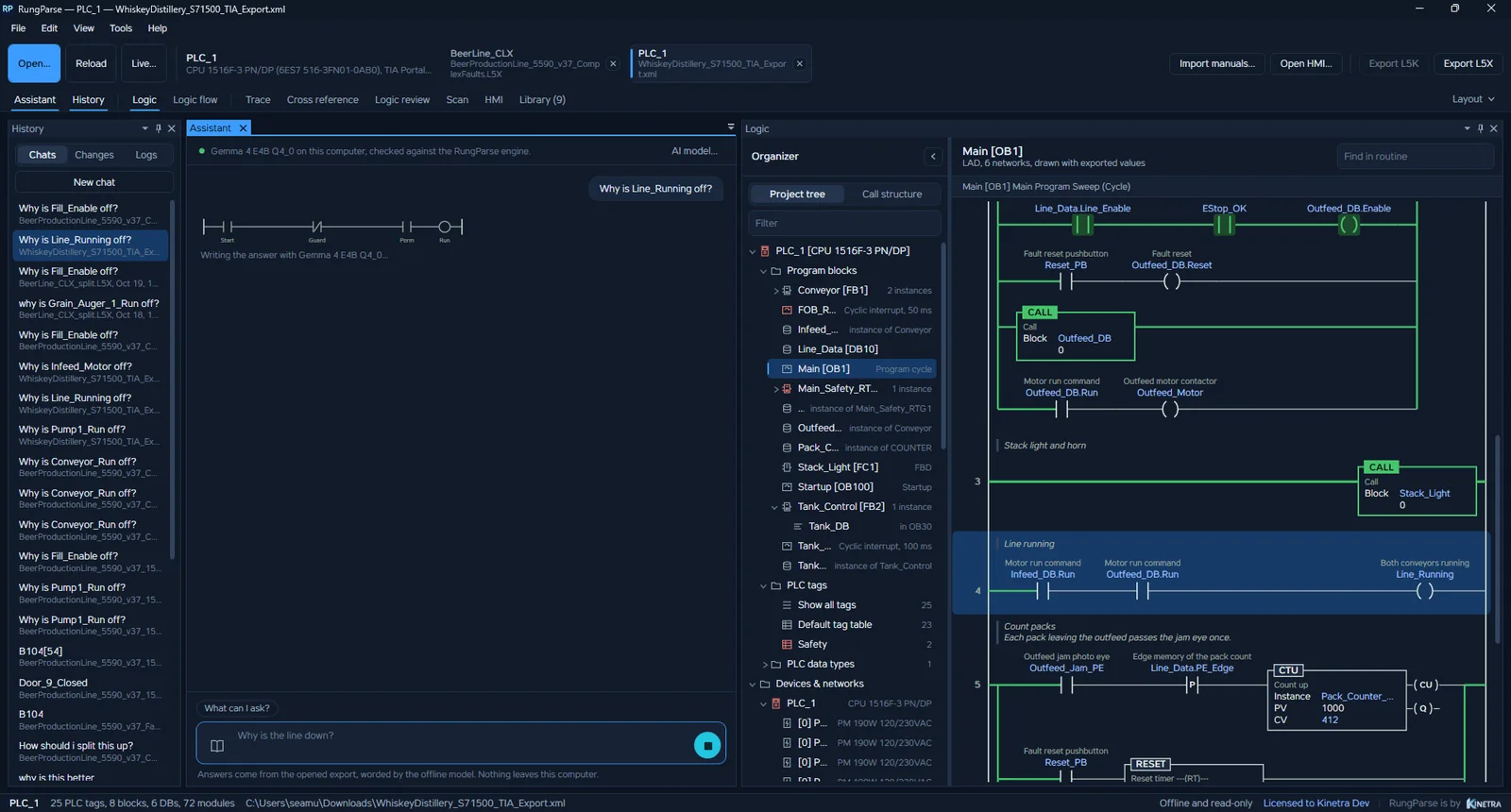
Siemens too
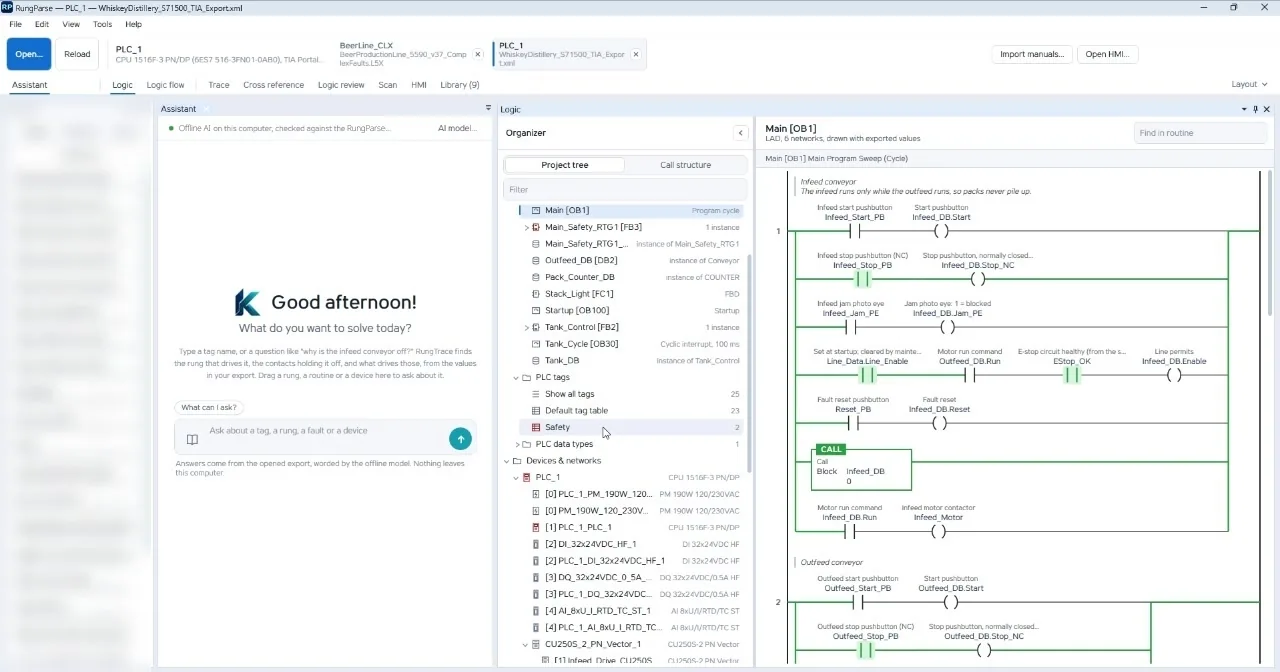
TIA Portal exports for S7-1200, S7-1500 and ET 200SP. Same trace, same answers.
Your plant's history
Import CMMS work orders and your own manuals. Past fixes surface in new answers, matched to the right tag and equipment.
Security
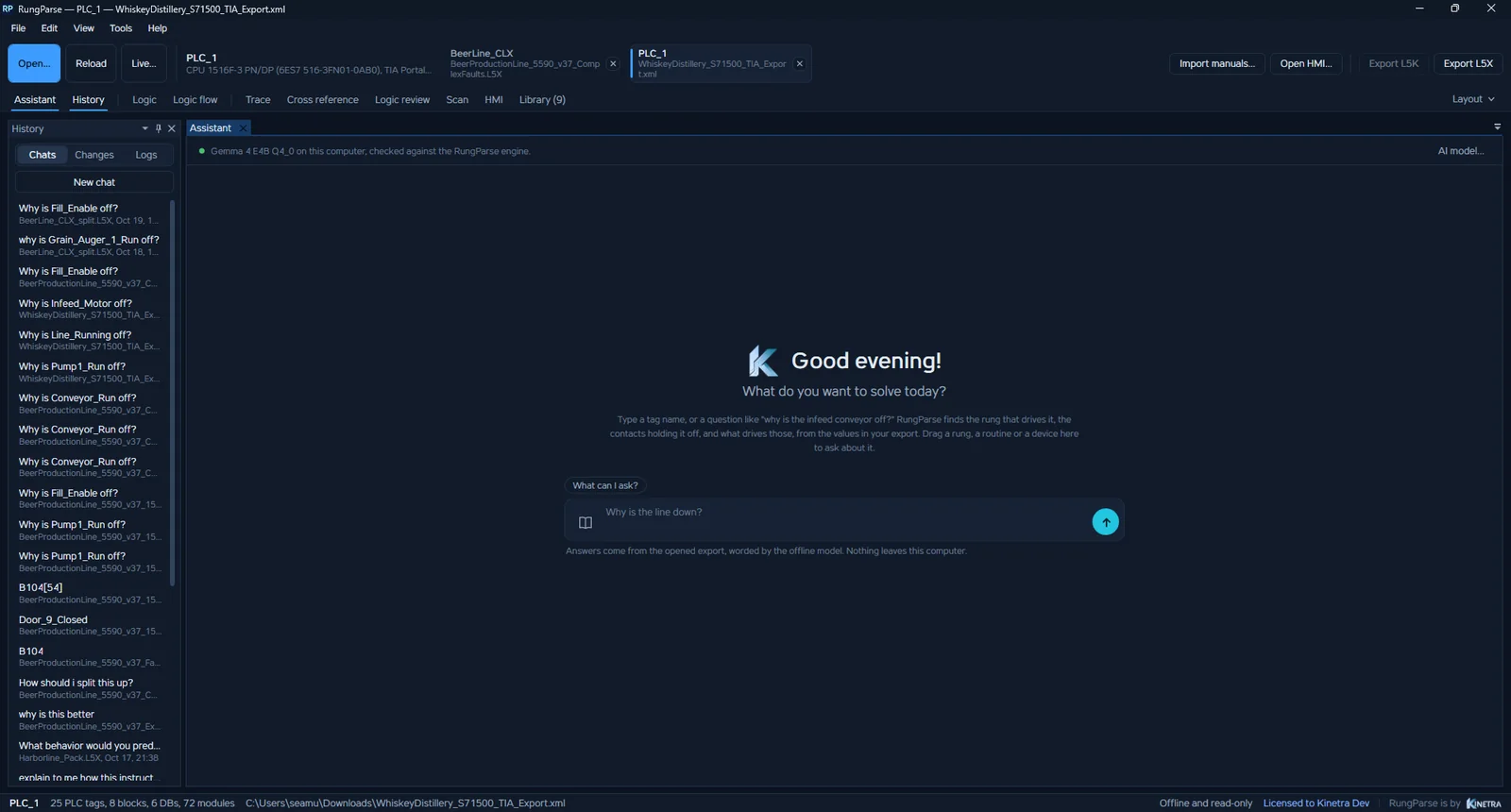
Made for air-gapped OT networks
Designed from day one for locked-down plant networks, so IT and controls can approve it quickly.